The complete toolkit for Twitch broadcasters
A charity & subathon countdown timer, live Bit Alerts, interactive stream utilities, and OBS-ready overlays — built for streamers, all in one place.
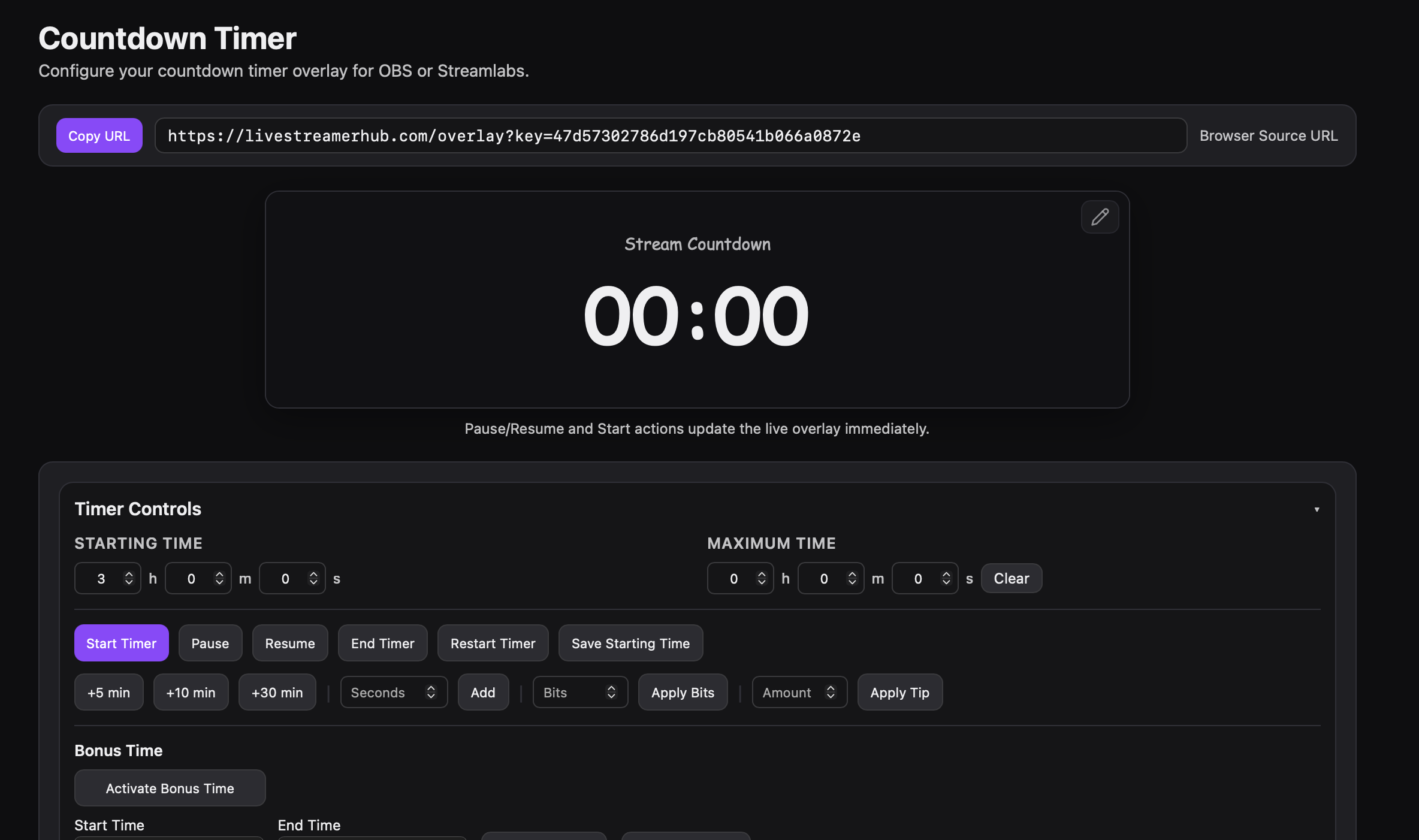
A timer that rewards your community
Fully configurable countdown timer for subathons, charity streams, and any event where viewer contributions keep the clock alive.
- Live style editor with real-time overlay preview
- Bits, subs, gift subs, follows, hype train, and charity donations
- Pause, resume, and manual time controls
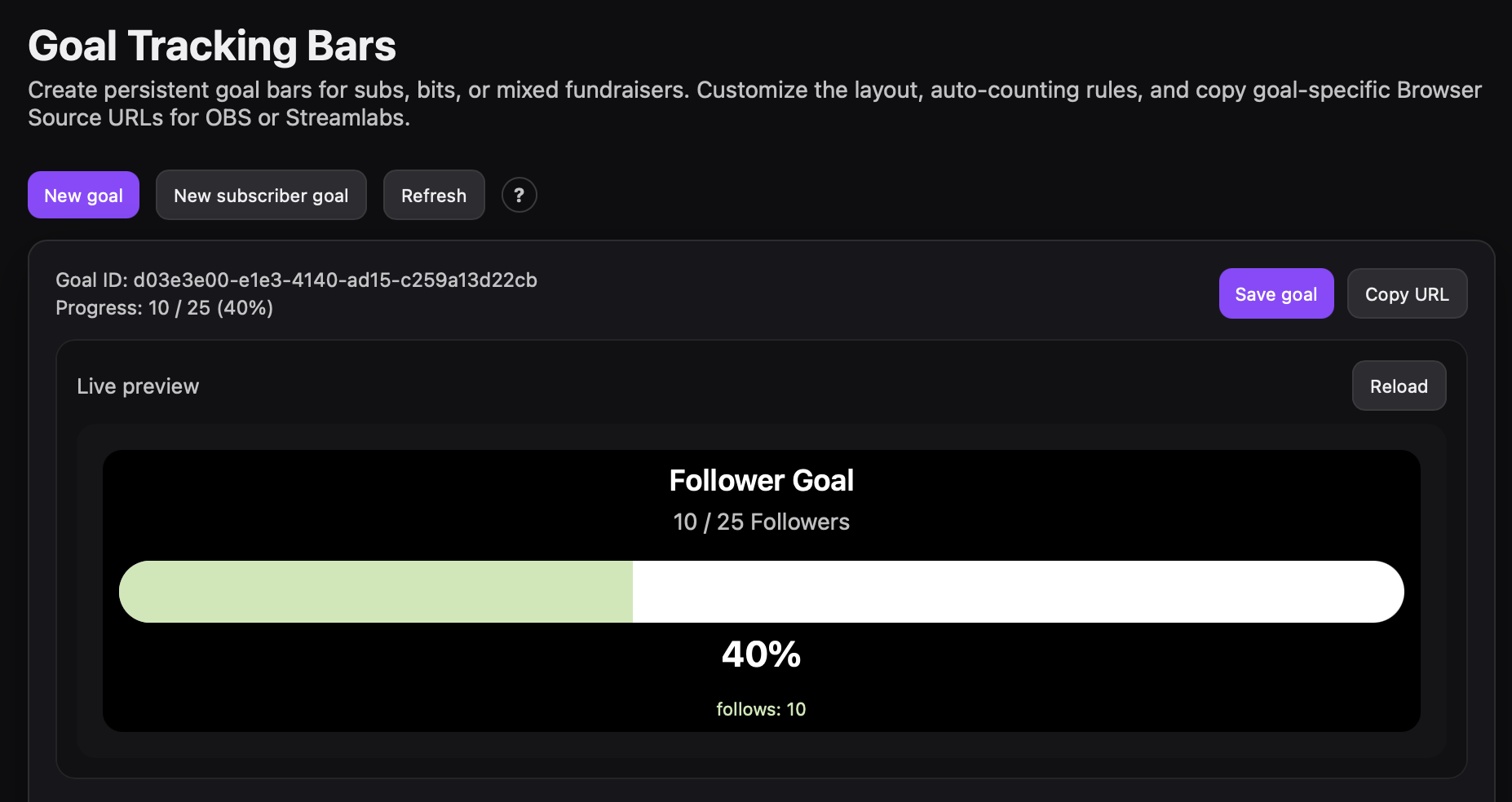
- Goal bar trackers for milestone fundraising
- OBS Browser Source URL generated automatically
Live Bit Alerts for your stream
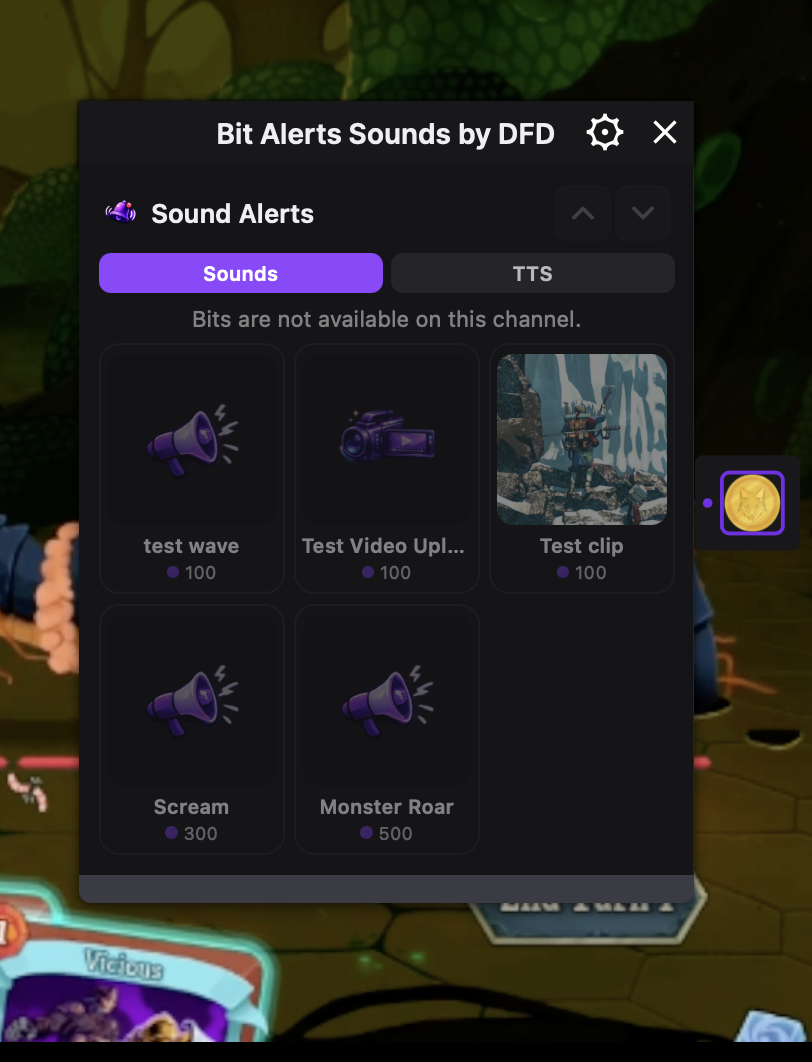
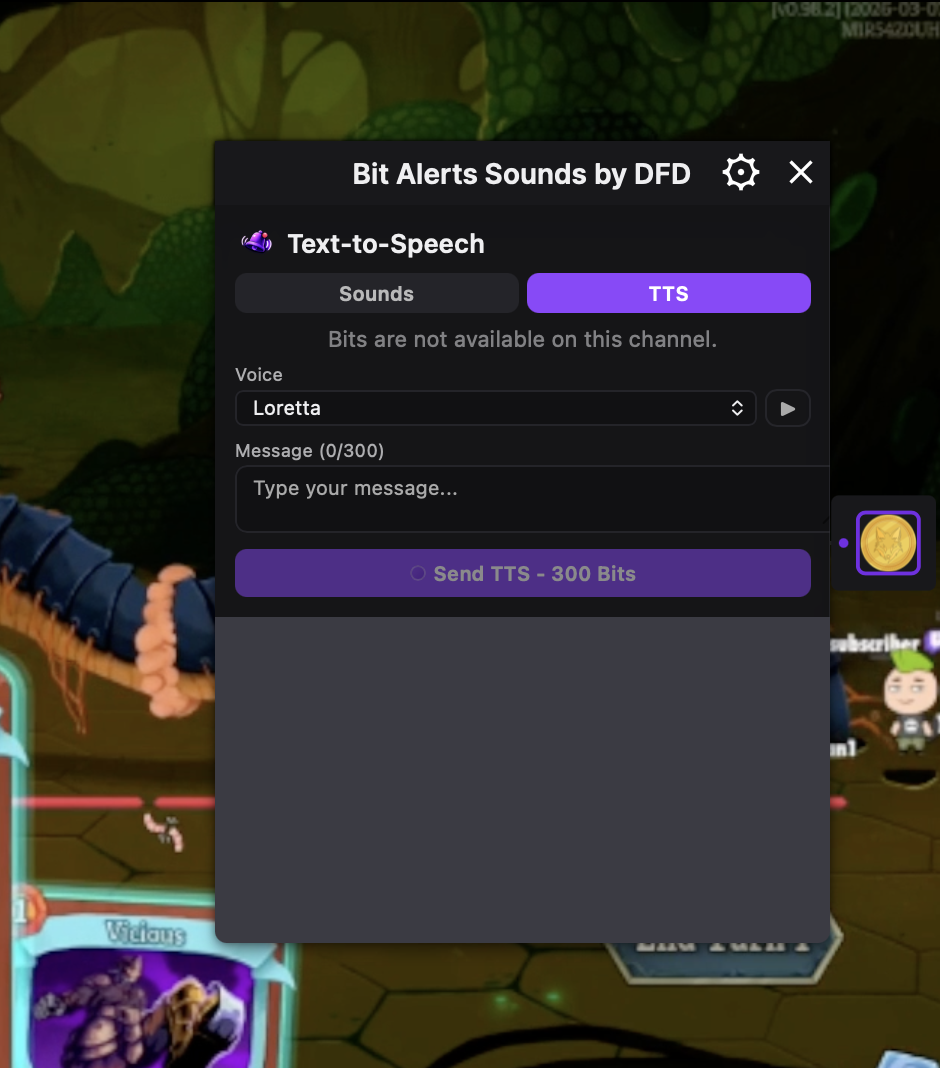
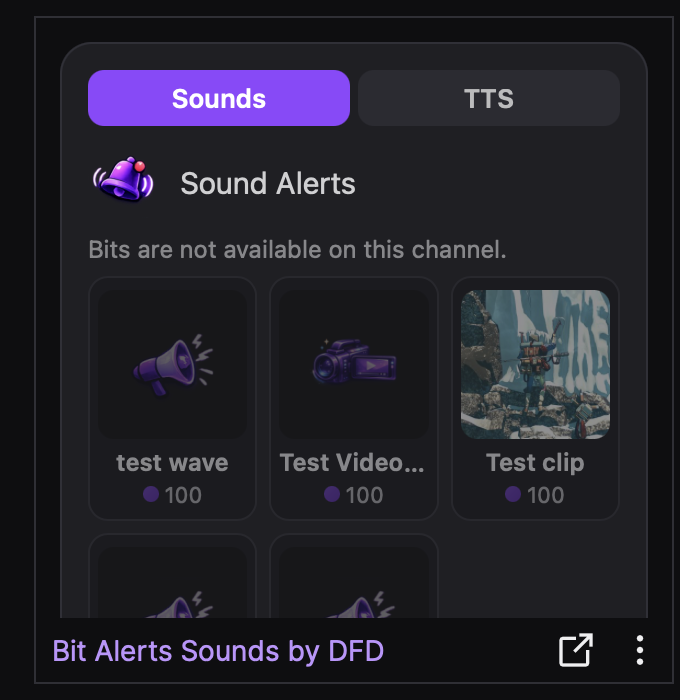
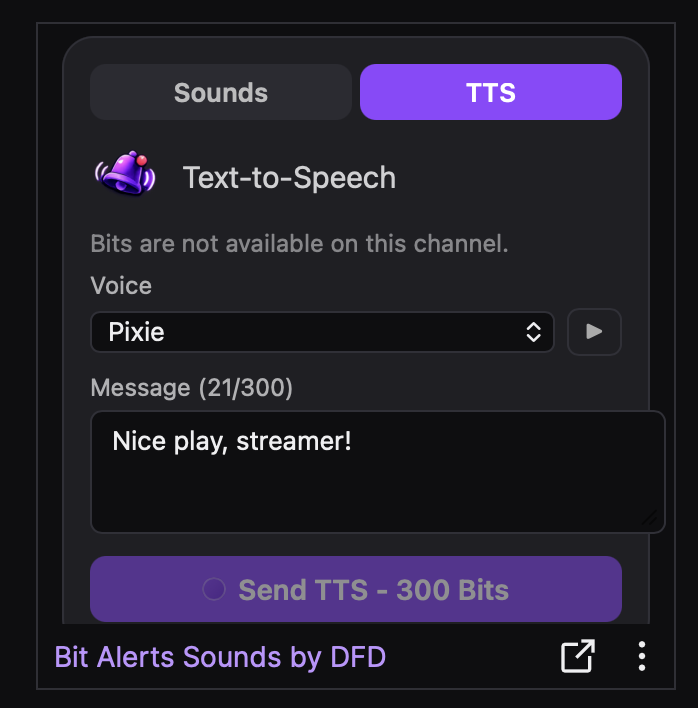
A companion Twitch Extension that fires custom sound effects when viewers use Bits. Available as both a panel below the video and a component overlay on top of it — viewers never have to scroll away from the action.
- Component overlay lets viewers browse and redeem sounds without leaving the video
- Panel view also available below the stream for a traditional layout
- Upload custom sounds and card images for any Bit threshold
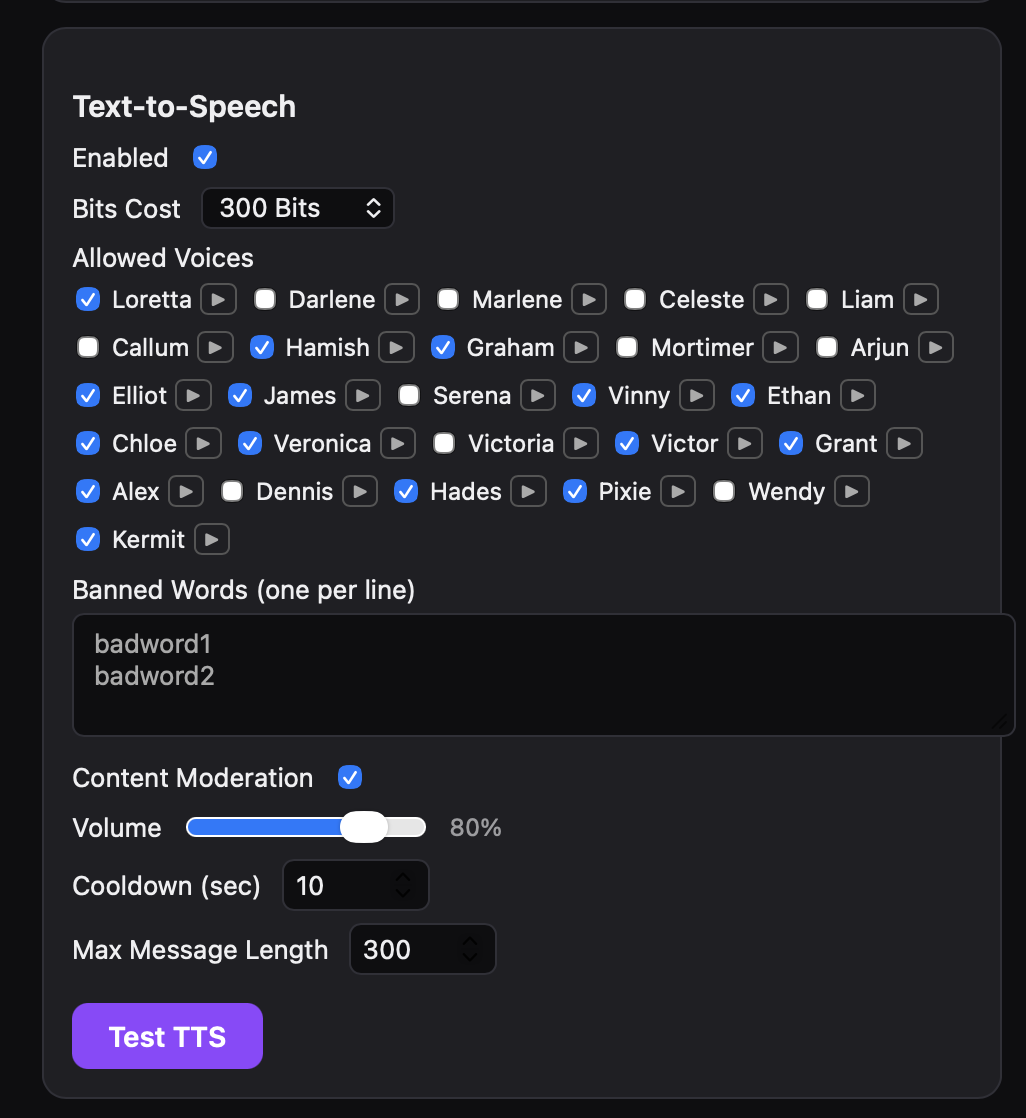
- Configure directly from the Twitch Extension dashboard
- OBS Browser Source overlay for on-screen alerts
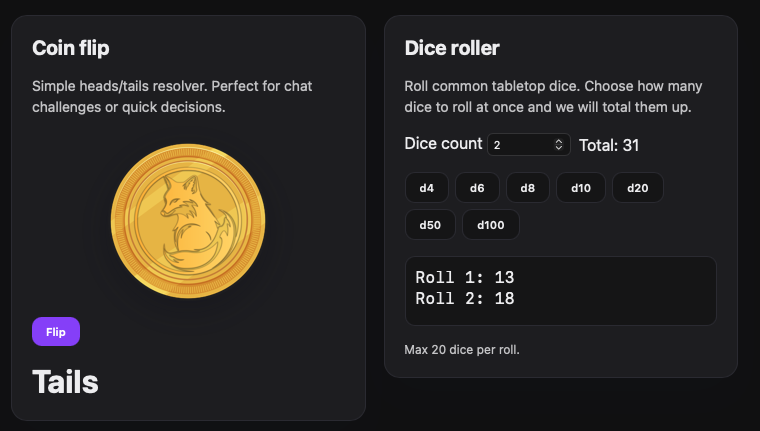
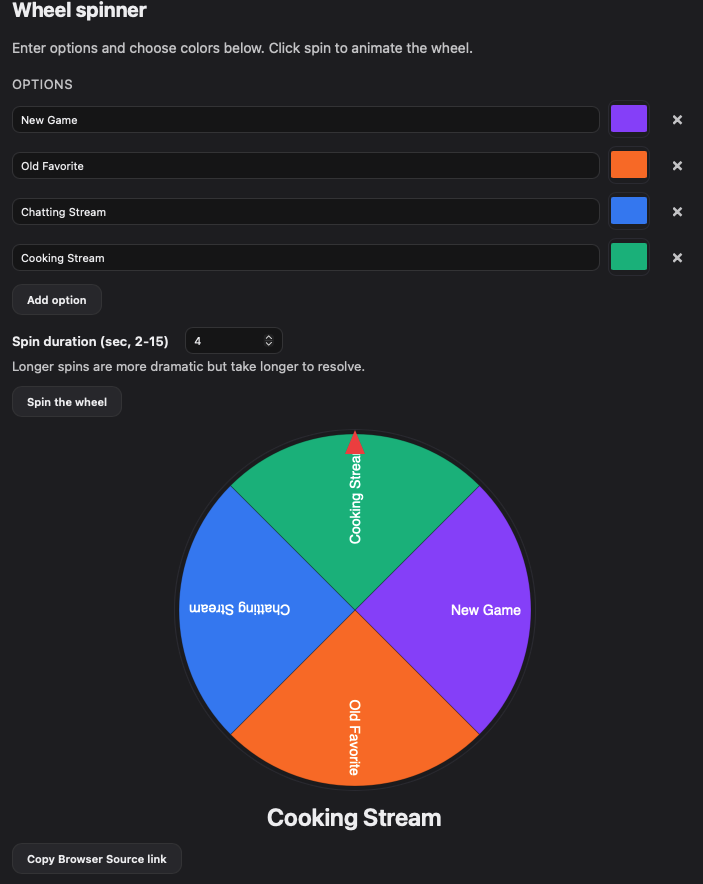
Bonus tools for your stream
Browser-projectable utilities you can use live on stream or add as OBS Browser Sources.
How to get started
Sign in with Twitch
Use the button above with your broadcaster account. You need to be the channel owner to manage settings.
Configure your tools
Set timer rules, upload Bit Alert sounds, style your overlays, and manage your overlay key in the configurator.
Add overlays to OBS
Copy your Browser Source URL from the configurator and point an OBS source at it. Refresh after style changes.
/overlay